

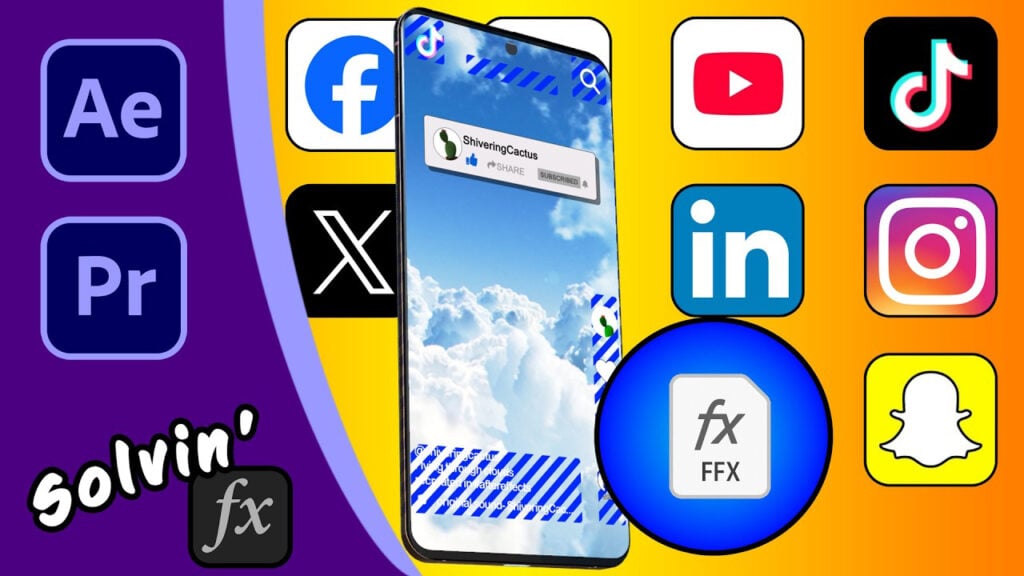
Don’t Let Your Vertical Videos Get Cut Off! Safe Zones for Facebook, Instagram, TikTok

If your text keeps getting cut off on Instagram Reels, TikTok, YouTube Shorts or Facebook, you’re not alone.
In this video, I share my FFX preset and MoGrt which highlights safe zones for vertical videos. You can use this to make sure your graphics, captions, and overlays actually show up and not be trimmed or hidden by like and share buttons.

I show how it works in your comps (and PP sequences) and how to install for both After Effects (Mac OS and Windows) and Premiere Pro. Then you’ll be free to use it to help create videos for TikTok, Facebook, Instagram, LinkedIn, YouTube Shorts and X.
Can’t see this video? Click here! If you are in Safari, hover over “Safari” in your menu, click “settings for creativecow.net” and toggle the “Auto-Play” to “Allow All Auto-Play”.
Responses