Creative Communities of the World Forums

The peer to peer support community for media production professionals.

Activity Forums DaVinci Resolve Resolve won’t render.

  • Resolve won’t render.

    Posted by Robert Walden on July 11, 2025 at 8:44 pm

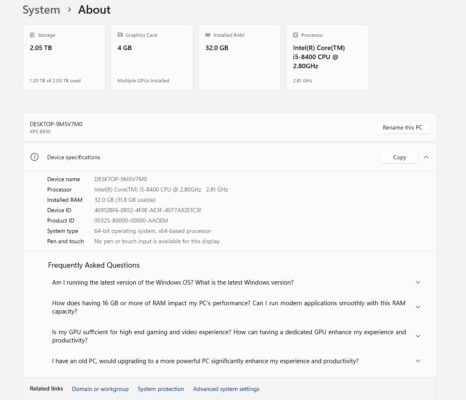
    Installed Resolve 20 (free version). Was using 19.3 and no problems. Now Resolve won’t render! Just keeps running time. Tried reinstalling 19.3 but only 20 comes up. Using an older Dell. Until I can afford a new computer with more power how can I go back to 19.3 as it was doing what I needed for a current project.

    Michael Gissing replied 10 months ago 3 Members · 2 Replies
  • 2 Replies
  • Mads Nybo jørgensen

    July 11, 2025 at 11:42 pm

    Hey Robert,

    I don’t think that there ever was a Resolve v19.3?

    But you can get Davinci Resolve 19.1.3 here:
    https://www.blackmagicdesign.com/support/family/davinci-resolve-and-fusion

    You need to scroll down the left column to get it.
    Becareful not to select the “Studio” version unless that is what you want?

    Atb
    Mads

  • Michael Gissing

    July 14, 2025 at 5:21 am

    Check the Resolve configuration of your GPU. It indicates you have more than one GPU but the VRAM is only 4gig. It may be that you need to configure the GPU to use the one with processing power required to render your project. You can only use one GPU with the free version and it may have selected the wrong one

We use anonymous cookies to give you the best experience we can.
Our Privacy policy | GDPR Policy