Creative Communities of the World Forums

The peer to peer support community for media production professionals.

Activity Forums Adobe Premiere Pro Repairing Jittery Zoom

  • Repairing Jittery Zoom

    Posted by Andrew Moir on February 23, 2024 at 9:12 pm

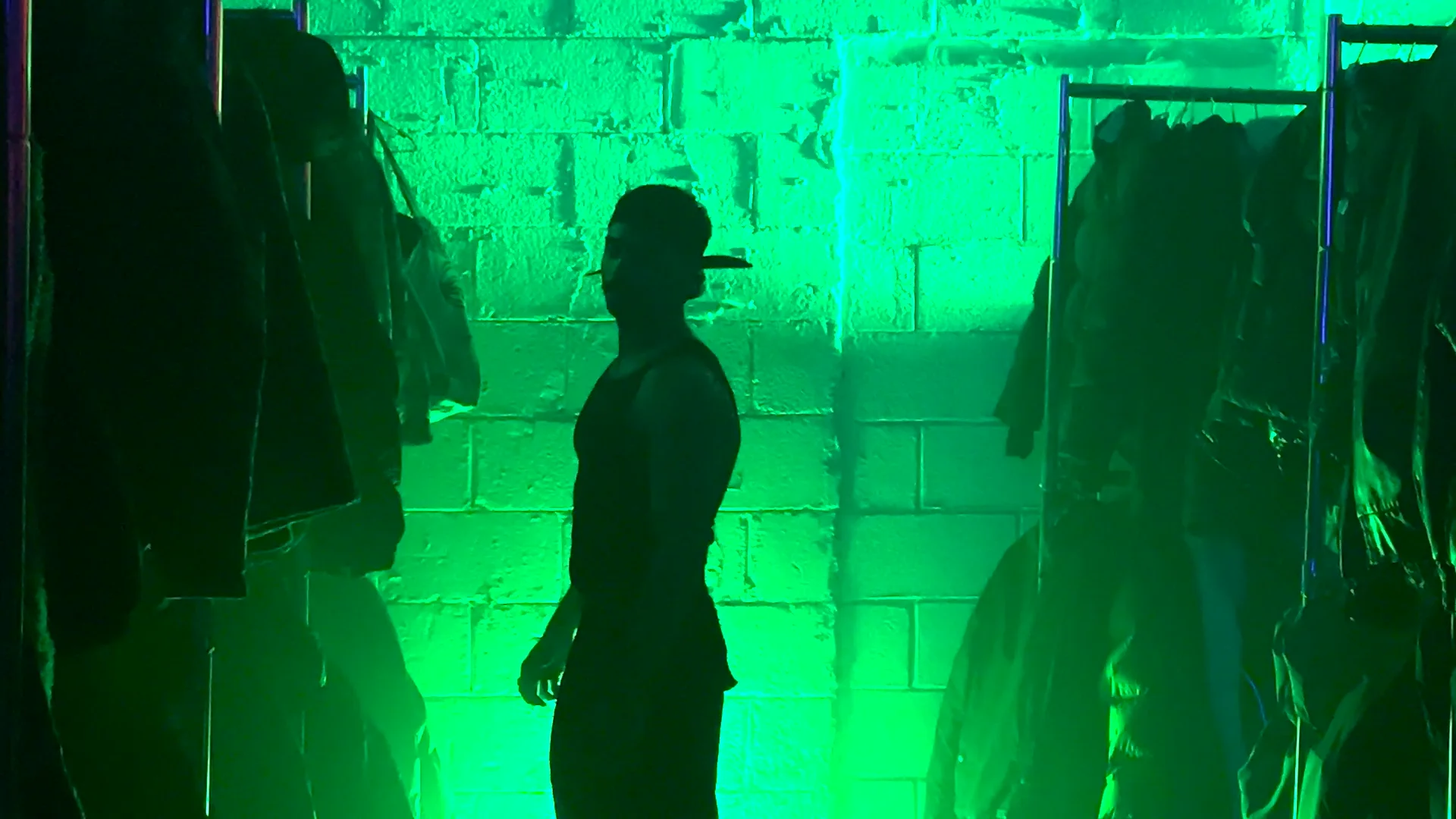
    I was experimenting with the Filmic Pro smart phone app at a party.

    The zoom feature on Filmic Pro produced jittery results where the zoom stops and starts mid-zoom.

    Example here: https://vimeo.com/916107996/0e2c5c10ab?share=copy

    Are there any tools in Premiere to smooth this out or blend the frames together? Or is this After Effects?

    I am using v 24.1 on a Mac. My skill level is intermediate. Thank you!

    Mads Nybo jørgensen replied 2 years, 6 months ago 2 Members · 1 Reply
  • 1 Reply
  • Mads Nybo jørgensen

    February 23, 2024 at 9:52 pm

    Hey Andrew,

    Have you tried “Warp Stabilize” effect in Premiere Pro?

    It might be difficult for it to deal with as it is stop and start.
    But you can use different settings on the PPro effect and see if any of them works best for you.

    Alternative as you suggest is to jump on to After Effects.
    There is a number of ways that you can fix it, up to the extreme of rotoscoping the man walking, and reinsert the rest as a clean plate, where you then recreate the zoom inside AE.

    At some point you might ask yourself this, which is often the case:
    Are you the only one who notices the jitter in the Zoom?
    If so, let it go.

    Have to admit that I had to watch the video a few times to spot the actual problem. Not least as Vimeo is often not the best for playback.
    If you still have access to the permorfer and the location, you could also go reshoot it.

    Hope that this helps.
    Mads

We use anonymous cookies to give you the best experience we can.
Our Privacy policy | GDPR Policy