-
Issue with using Luma Keyer on an adjustment clip
Hi
I posted this on the Blackmagic forums as well, but I didn’t get any answers.
And I’ve also encountered this issue with Premier Pro and AfterEffects as well.
So, here’s the problem: Luma Keyer doesn’t behave as expected when placed on an adjustment clip. Let me explain: let’s say I have this clip on a track:
(please take a look at the first image I attached, as it seems I cannot place it here)
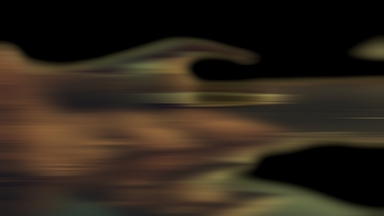
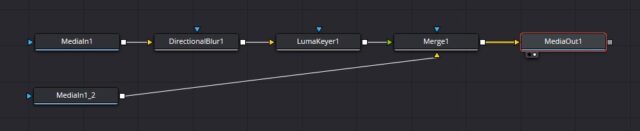
If I duplicate this clip, place the duplicated clip on another track above the original clip and insert a Directional Blur effect and a Luma Keyer on this second clip I get this:
(second image)
Which is exactly what I expect: the Luma Keyer makes certain zones of this second clip transparent. Or, in other words, Luma Keyer enables me to have the directional blur only on some parts of the frame.
And now comes the problem. If instead of duplicating the original clip I place an adjustment clip above the original clip and insert on this adjustment clip a Directional Blur and a Luma Keyer (exactly as before, with the same settings) I expect to get the same result, but instead I get this:
(third image)
As you can see, all the areas that should be transparent are black.
Why is that? Any thoughts?Cheers!