Creative Communities of the World Forums

The peer to peer support community for media production professionals.

Activity Forums Adobe After Effects How to do a 3D set replacement of a sky?

  • How to do a 3D set replacement of a sky?

    Posted by Will Norman on August 13, 2023 at 3:25 pm

    Hi,

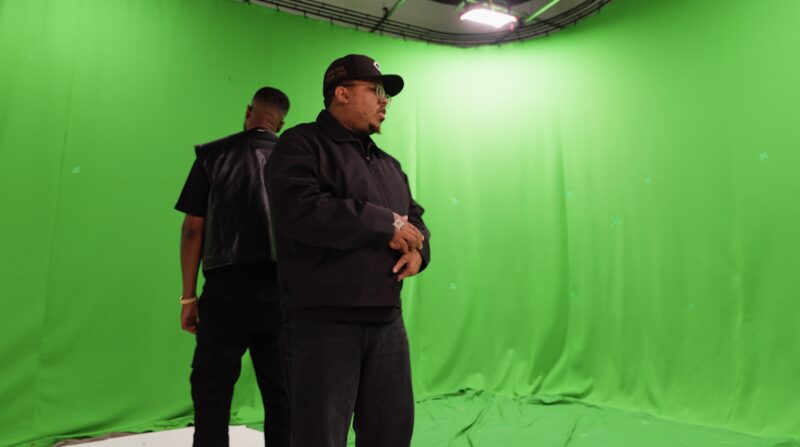
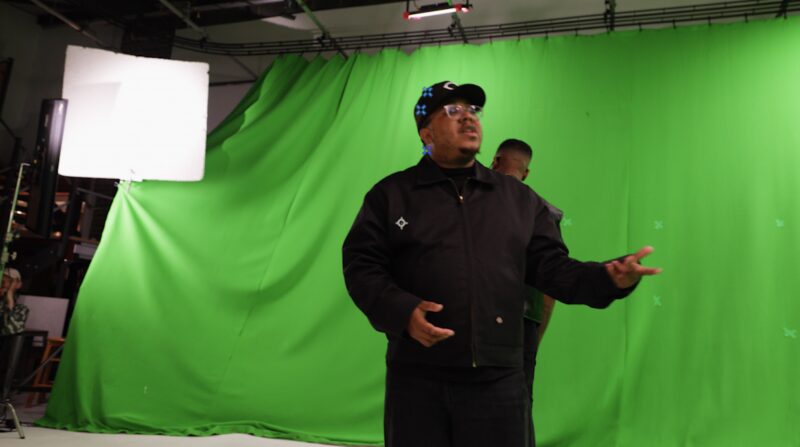
    I have an orbiting shot of two musicians standing back to back. They are standing in front of a green screen which has a few trackers, but could have admittedly been better.


    I want to comp out the green screen and replace the background with a 360 image of the sky, so that it rotates and reveals as the camera does. Here is a reference: https://www.youtube.com/watch?v=phFsHOf7gtA


    How do I achieve this?


    Many thanks,


    Will

    Some contents or functionalities here are not available due to your cookie preferences!

    This happens because the functionality/content marked as “Google Youtube” uses cookies that you choosed to keep disabled. In order to view this content or use this functionality, please enable cookies: click here to open your cookie preferences.
    Andy Kiernan replied 2 years, 11 months ago 2 Members · 1 Reply
  • 1 Reply
  • Andy Kiernan

    August 13, 2023 at 4:41 pm

    there is CC environment, but that may not give you enough control. I think I would use C4d, get a 3d camera track so you have a matched camera, then use a sphere in c4d and have the camera at the centre with the sky image projected onto the sphere (sky would need to be a spherical map), i think it can be done with C4d lite.

    Or, after I have a 3d cam, I may just set up planes around with the sky on and blend them together to create a fake wrap-around in 2.5d

We use anonymous cookies to give you the best experience we can.
Our Privacy policy | GDPR Policy