Creative Communities of the World Forums

The peer to peer support community for media production professionals.

Activity Forums Adobe After Effects Render quality issues with graphics

  • Render quality issues with graphics

    Posted by Christofer Kellgren on March 15, 2023 at 10:14 am

    Hi,

    I have rendered out a loseless QT-version from AE. I want to render it to a version (maybe h.264) or another alternative, compatible with youtube etc.

    Since my ME is not working i am using premiere to render my QT-version, generated from AE.

    In the render preview window everything i looking great, without any big loss of quality. But the final version is crap.
    Anyone know which settings to use making it better? (ot any other way around it).

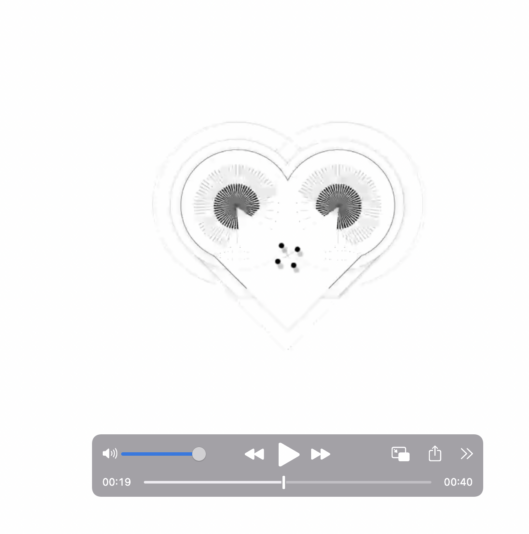
    Attaching one scrrenshot of how it looks in the preview window inside PR and one of the final result after rendering.


    Chris Voelz replied 3 years, 5 months ago 3 Members · 2 Replies
  • 2 Replies
  • Graham Quince

    March 15, 2023 at 2:56 pm

    I take it you’re rendering out using Match Source – High Bitrate for the H.264 video? I take it the ProRes QT version looks like the preview in Premiere?

    Have you tried rendering directly from After Effects – in the last release Adobe reintroduced H.264 rendering from the render queue.

  • Chris Voelz

    March 16, 2023 at 2:58 am

    It looks like it’s more of a resolution issue than anything. Are you keeping a consistent resolution from AE through premiere to export settings?

    What are your settings at each step?

We use anonymous cookies to give you the best experience we can.
Our Privacy policy | GDPR Policy