Creative Communities of the World Forums

The peer to peer support community for media production professionals.

Activity Forums Adobe After Effects TrkMat Luma Inverted Matte Brightness

  • TrkMat Luma Inverted Matte Brightness

    Posted by Bobby Sifon on March 27, 2022 at 3:31 am

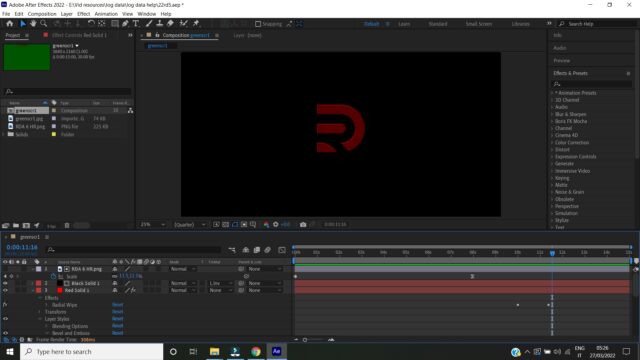
    Guys I wanted my animation beveled so I applied the Luma Inverted Matte under the TrkMat

    but my shape became dim. Is there a way to brighten it up so that the red and green aspect of the shape remain bright green like the bright green or bright red background beneath it?

    The shape color is too dim. I want the colors brighter

    files:

    https://files.fm/u/vshpkjd5n

    Image of the dim shape [color appears too dull and dim]

    Chris Wright replied 4 years, 1 month ago 2 Members · 1 Reply
  • 1 Reply
  • Chris Wright

    March 28, 2022 at 5:06 pm

    usually if i have an issue with an alpha or luma matte, i add a levels effect and change the white output of RGB or alpha.

We use anonymous cookies to give you the best experience we can.
Our Privacy policy | GDPR Policy