

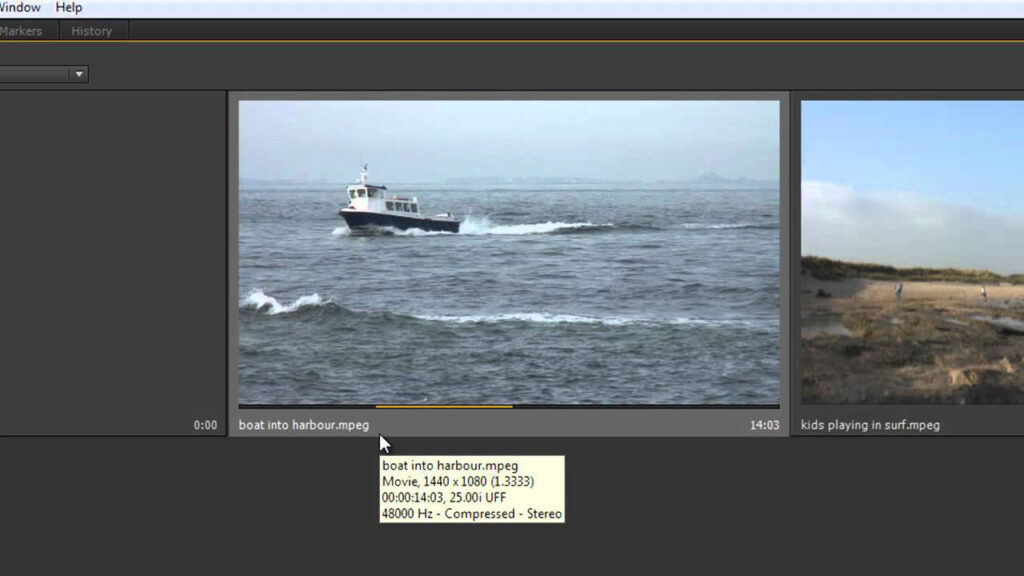
Premiere Pro CS6 Techniques: 3 Project Panel

In this tutorial, Andrew Devis goes over the excellent and productivity-focused changes that have been applied to the project panel, including looking at the new ‘Hover Scrub’ feature and how to temporarily enable and disable its function as well as how to select ‘in’ and ‘out’ points directly on the footage in the project panel rather than having to take it to the source monitor.
Can’t see this video? Click here! If you are in Safari, hover over “Safari” in your menu, click “settings for creativecow.net” and toggle the “Auto-Play” to “Allow All Auto-Play”.
Creative COW Roundtable, August 23, 2026- AEAI
COWs from around the world assemble to discuss Using AI to Beat …
Stop Using Boring Static Highlights – Pro After Effects Workflow
Did you know you can use After Effects expressions to dynamically rewrite …
Enjoying the news? Sign up for the Creative COW Newsletter!
Sign up for the Creative COW newsletter and get weekly updates on industry news, forum highlights, jobs, inspirational tutorials, tips, burning questions, and more! Receive bulletins from the largest, longest-running community dedicated to supporting professionals working in film, video, and audio.
Enter your email address, and your first and last name below!


Responses