

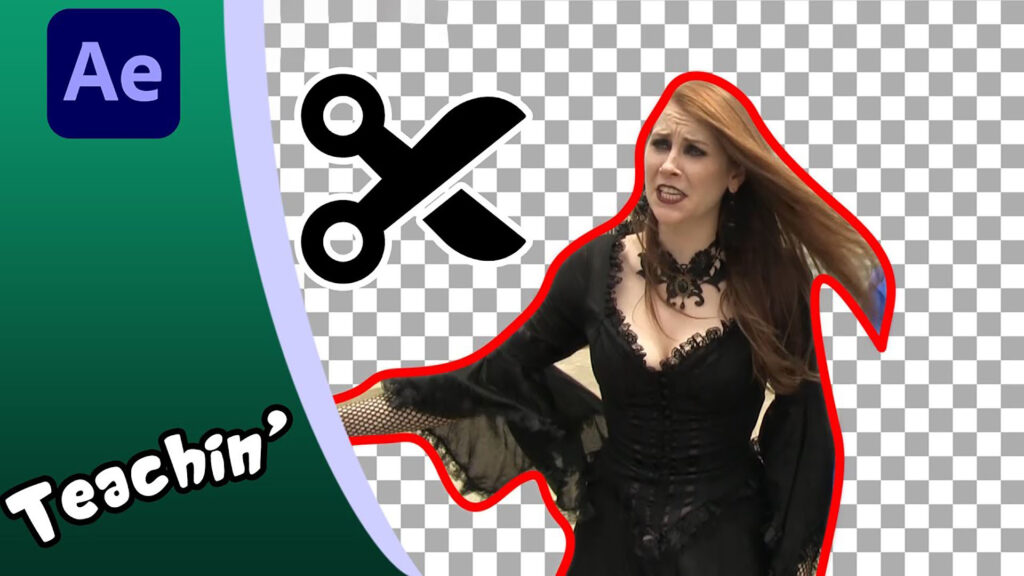
Using Masks to cut people out in After Effects

A tutorial with difference.
In this series, I’m teaching my wife all about @Adobe Video & Motion After Effects. Mrs Cactus has never used AE before, but wants to learn.
You’re welcome to join us in this episode as we look at:
– Using Masks to cut out people or objects
– Splitting layers using CTRL+SHIFT+D
– Mask properties: feather, opacity and expansion
– Animating a mask
– What the mask types do
– Using the Rotobrush
– The Tint effect
Bulldog TV’s SideKICKED: https://www.youtube.com/watch?v=N9fbV…
###
Enjoying this tutorial? Sign up now for the Creative COW Newsletter!

Sign up for the Creative COW newsletter and get weekly updates on industry news, forum highlights, inspirational tutorials, tips, burning questions, and more! Receive bulletins from the largest, longest-running community dedicated to supporting professionals working in film, video, and audio.
Enter your email address, a first and last name, and let us know what you’d like to see more of in the message!
[contact-form-block name_label=”Name” email_label=”E-mail” message_label=”Message” header=”false” header_image_id=”null” header_image_size=”50″ header_image_align=”left” header_title=”Get in Touch” header_text=”Leave your message and we’ll get back to you shortly.” button_text=”Send” button_color=”#3d84f6″ button_text_color=”white” align=”undefined” theme=”default” message_rows=”5″][/contact-form-block]
Responses