-
Disable time stretch?
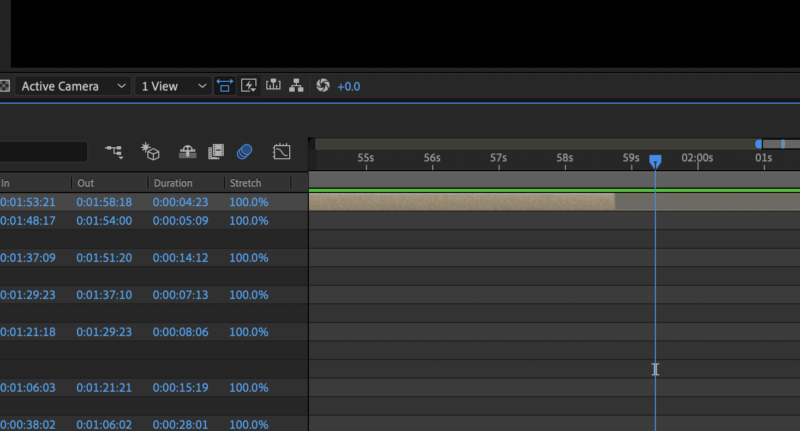
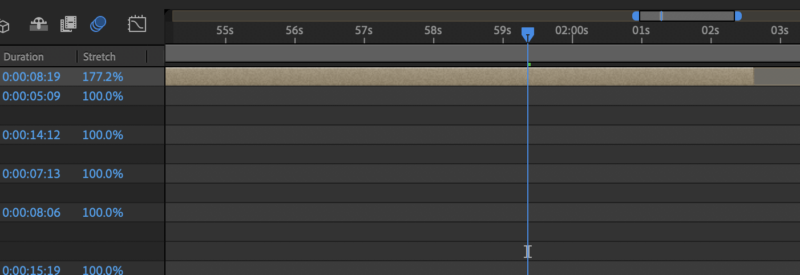
Whenever I extend the length of any pre-comp with my main comp (by simply clicking on the end of the comp and dragging it right) it then ‘time-stretches’ the layer. I have to press “option” then drag for it not to time-stretch (and keep it at 100%.)
I’ve not experienced this ever before and have tried everything to turn it off.
Is there a shortcut that enables time-stretch automatically?