

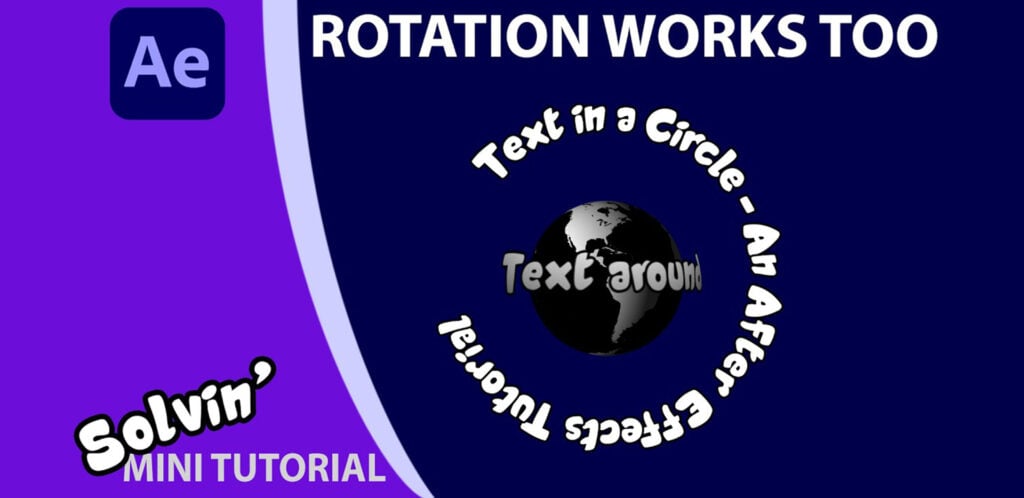
Wrapping Text around a circle in After Effects

In this tutorial for Adobe After Effects, I answer one of the most asked questions I see on forums: “How do I get text to go in a circle?”. Text layers can have masks applied to them and they have a Path option, so it’s really simple to draw a circular mask and then have the text wrap around it. I talk through the options, but there is an issue that it is still awkward to smoothly rotate the text layer as it will not be perfectly centered / centred. I share a method to ensure the layer’s anchor point is in the exact center /centre, making it easy to rotate.
I also quickly show how to animate the text on any path by drawing a squiggly line and using the First Margin and finally, I use a pre-comp to wrap text around a sphere.
To copy the sphere in the title card, with the text larger than the Earth, simply make 2 layers and in CC Sphere radius settings, set the Text sphere to be slightly larger and the type to be Outside only.
Responses