

-
Hue Inversion on MXF Import
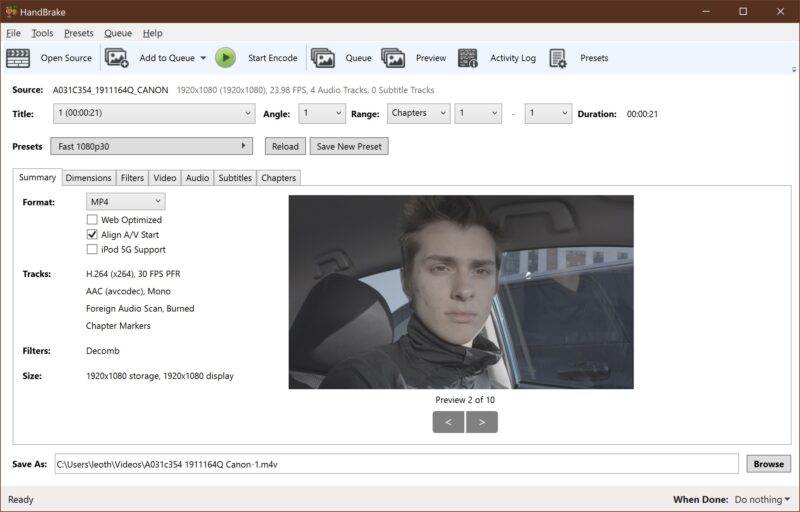
Got a problem with a long-running Premiere project that I recently converted to the new version (I tried not to upgrade yet; accidentally did it anyway.) Some of the .mxf clips in my timeline are showing up hue inverted! It’s not an effect I’ve applied; they display inverted in the Source monitor, and when I reimport them, they’re still wrong. First pic shows the effect. Strangely, it’s not an exact inversion; it’s about 169 degrees off. I know it’s not the footage itself; when I import it to Handbrake, it’s normal. And it’s not all my MXF clips from this camera, or even from this day; just certain clips over 2 shooting days.
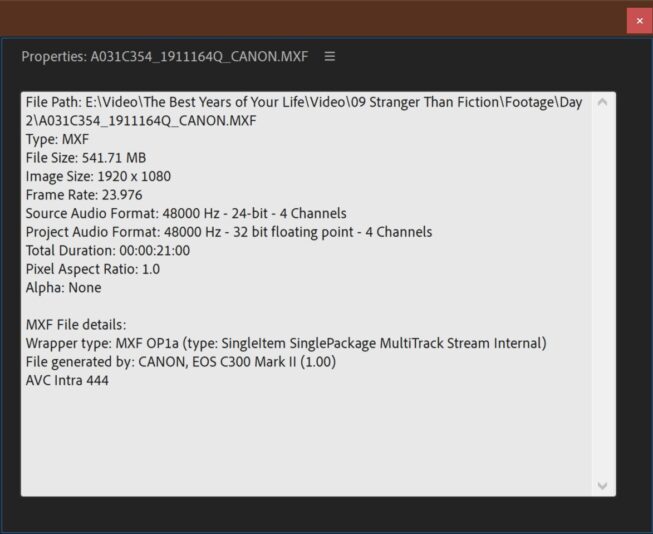
I’m thinking it’s some error in interpreting the footage, but when I try to fix it with Interpret Footage, the “force color space” option isn’t available. I’d rather not try to reverse the effect manually and risk getting it slightly wrong. I’m thinking I’ll either convert the footage to another format and relink, or I’ll roll back Premiere to the previous version and restore a backup. Clip information is attached. Let me know if anyone has a fix or needs more info. Thank you!


Sorry, there were no replies found.