Creative Communities of the World Forums

The peer to peer support community for media production professionals.

Activity › Forums › Adobe After Effects › Best way to selectively color grade?

  • Best way to selectively color grade?

    Posted by Stu Gol on December 30, 2020 at 4:09 pm

    Hello all!

    I’m a long time lurker, but new to posting, so please be gentle 🙂

    I shot some footage today on a green screen, but for the first 10 minutes of footage, the key light wasn’t on. I’ve been able to get a clean matte, grade most of his face and body, but there is a stripe down the center of his face where the color is wrong. Does anyone have any ideas about how to improve how this looks? Unfortunately, reshooting isn’t an option.


    Thanks all,

    whytheheckme


    Graham Quince replied 5 years, 8 months ago 2 Members · 2 Replies
  • 2 Replies
  • Stu Gol

    December 31, 2020 at 6:30 pm

    I just wanted to update with what I did to solve this, in case anyone else comes across this post in the future.

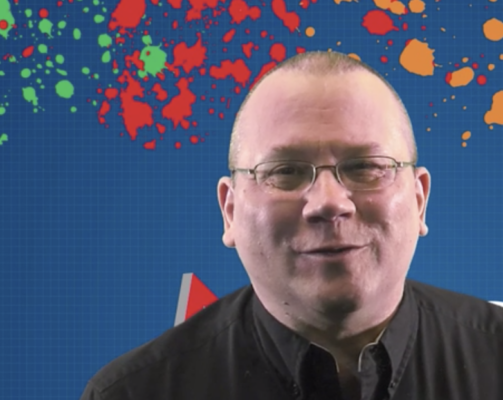
    I used the RGB Curves tool with the droppers in the Secondary Correction to select just the part of the face that needed to be adjusted. I then brightened the master curve and lowered the Green curve. It looks spectacular (pic attached) and was SUPER easy and fast to do.

    If you haven’t used this tool before, I followed this ( https://www.youtube.com/watch?v=UfptFeAaPc8 ) tutorial. Note that in order to do this correction, unlike in the video, I only used the dropper to select the part of the face that I wanted to affect, not the entire face.

    Cheers!

    Some contents or functionalities here are not available due to your cookie preferences!

    This happens because the functionality/content marked as “Google Youtube” uses cookies that you choosed to keep disabled. In order to view this content or use this functionality, please enable cookies: click here to open your cookie preferences.

  • Graham Quince

    January 1, 2021 at 9:53 am

    Glad you found a solution and thank you for sharing it.

We use anonymous cookies to give you the best experience we can.
Our Privacy policy | GDPR Policy