

-
Zoom In Shot \ Crop PP2020
Adobe has not been helpful in answering this.
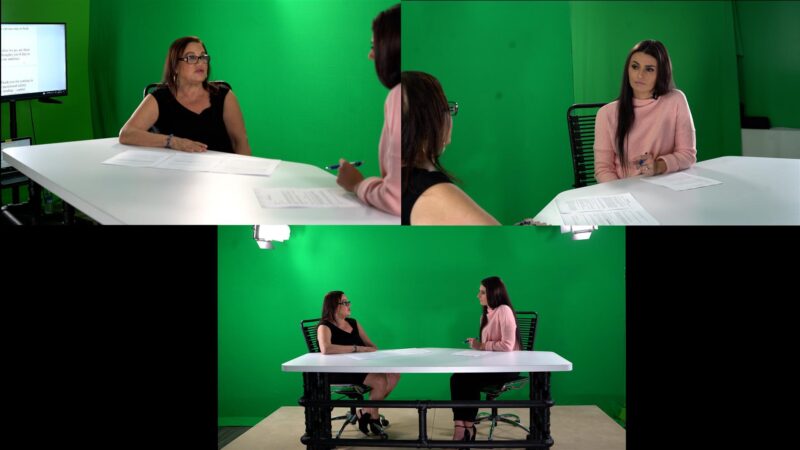
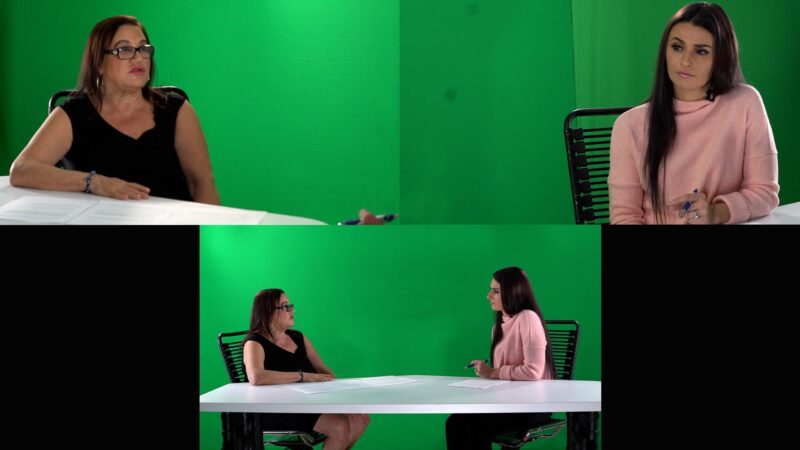
In Premiere Pro 2020, I want to “zoom in” to a tighter shot without changing the entire scale of the frame. From image A image B.
Any suggestions?


Adobe has not been helpful in answering this.
In Premiere Pro 2020, I want to “zoom in” to a tighter shot without changing the entire scale of the frame. From image A image B.
Any suggestions?
We use anonymous cookies to give you the best experience we can.
Our Privacy policy | GDPR Policy